Case study 11 · Photoshop compositing
12 Points Street Art Concept
A fictional public-art scene that tests how paintings could visually inhabit a photographed brick wall.
Starting point
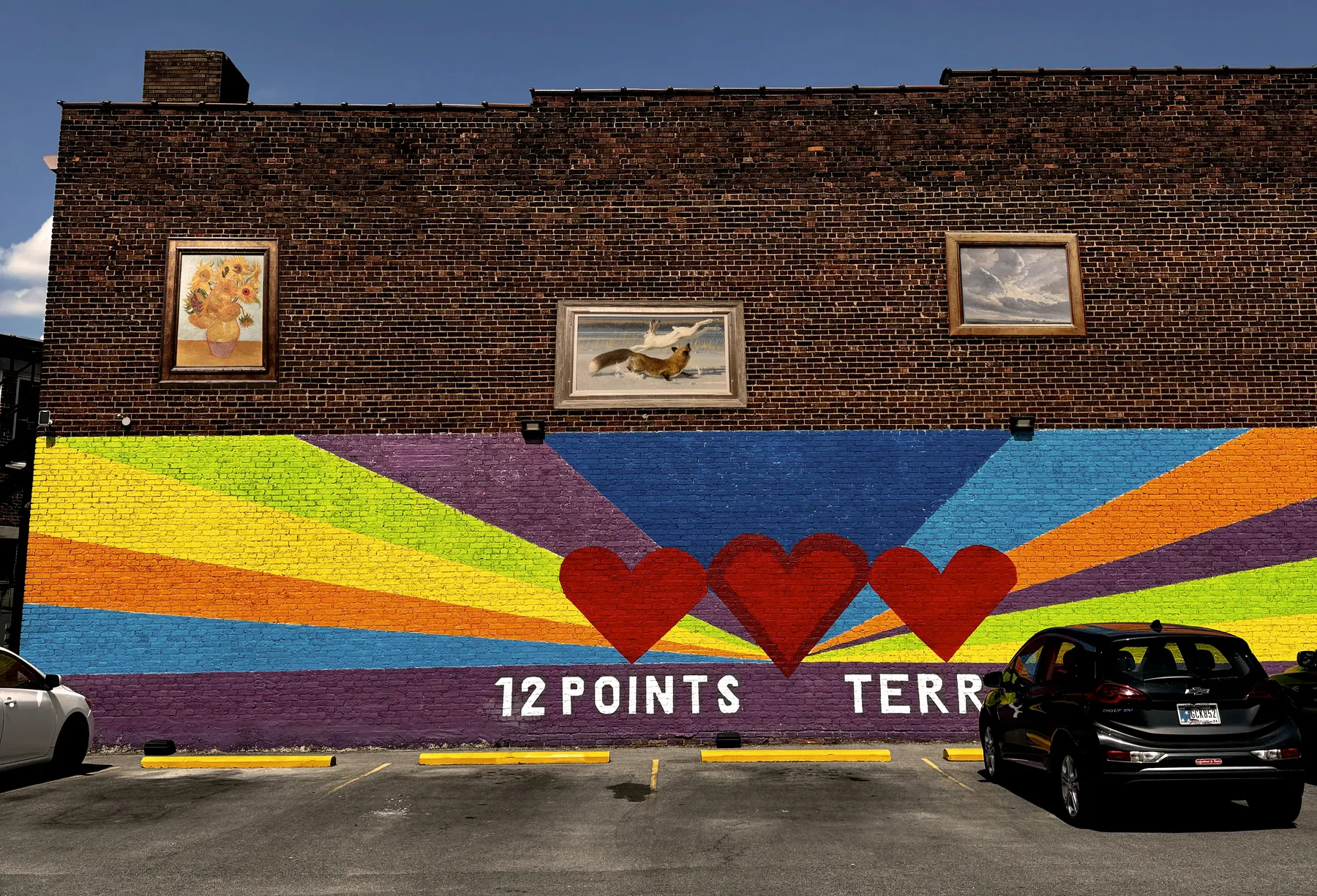
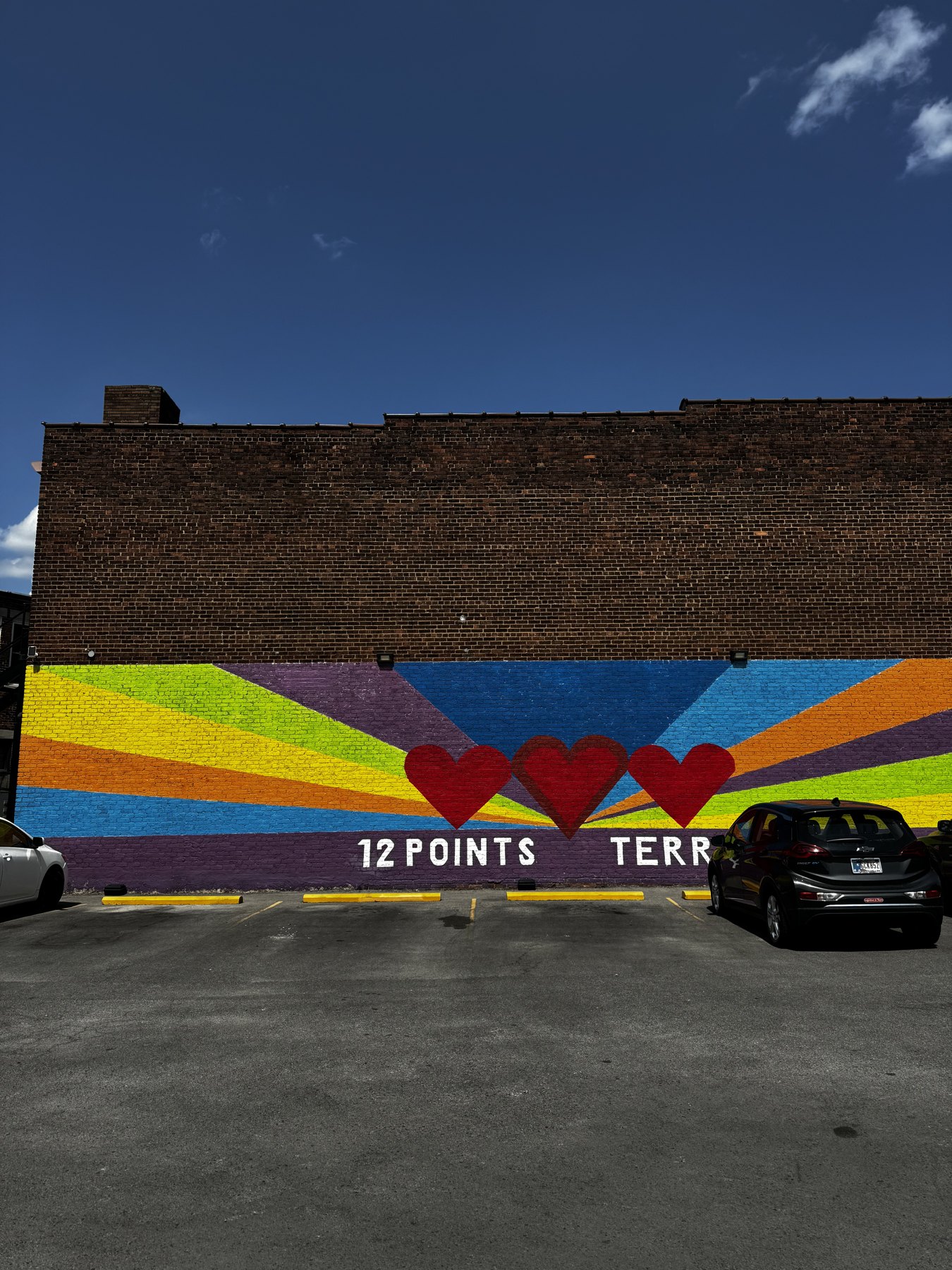
I began with a photograph of a wall on 12 Points Street. Its open brick area suggested a place to test a public-art idea. I selected three paintings photographed at a museum and digitally placed them on the wall.
Making it believable
The main challenge was making three separate artworks feel connected to the photographed environment. I adjusted placement, shadows, color, and surface texture with Smart Filters, Drop Shadows, Curves, and Camera Raw. I kept revisiting the relationship between the images and the bricks so the additions would read as part of the scene.
Scope
This is a Photoshop course exercise and a visual proposal only. It was not a commissioned mural or a real installation. The museum paintings are source artworks used within the classroom composite, not original paintings by me.